
Portuguese Prepper
Meshtastic: Encrypted, Off-Grid Texting Without Cellular Service
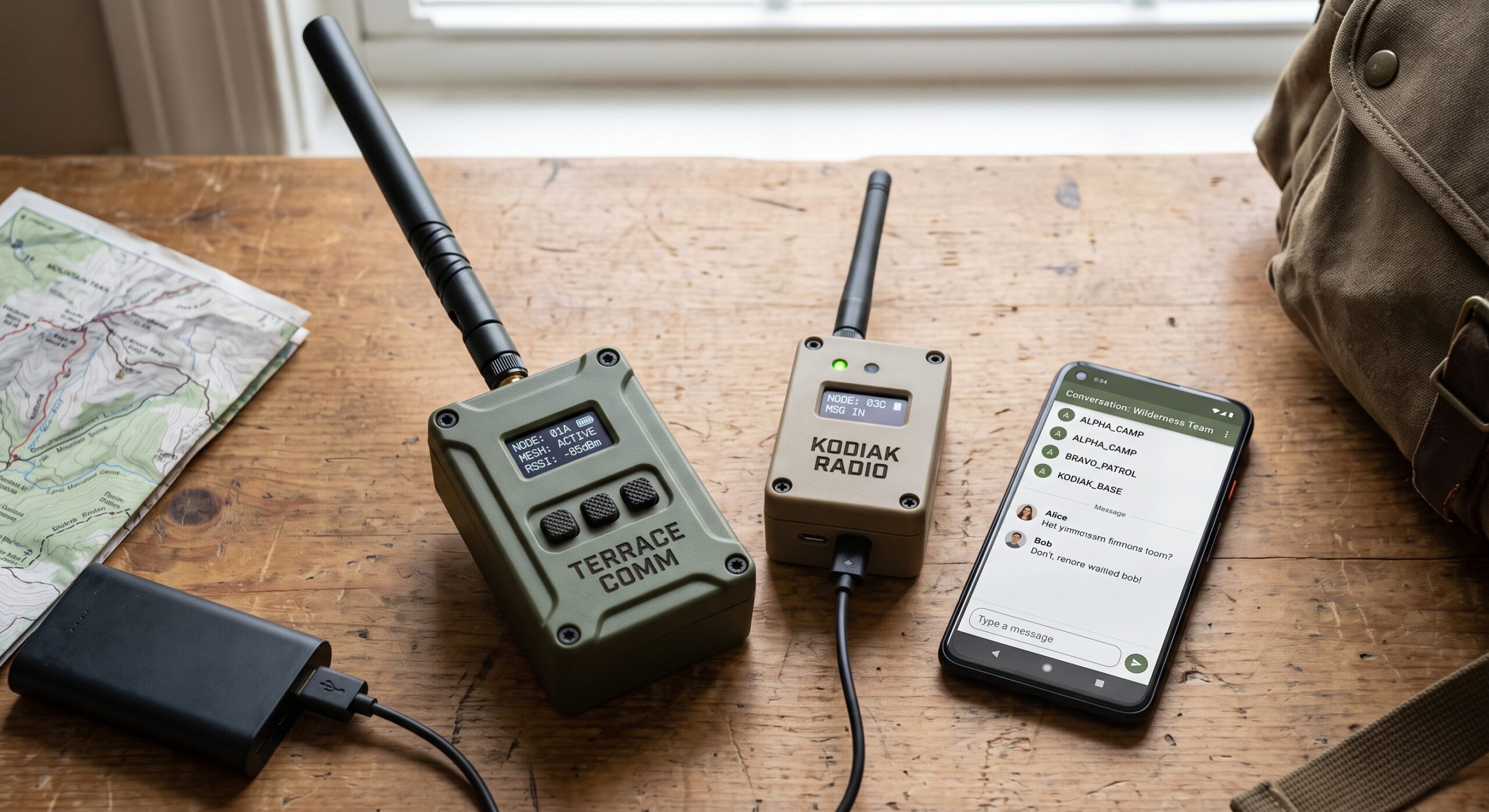
This Meshtastic guide explains how compatible LoRa devices can exchange text messages and location data without relying on cellular service, Wi-Fi infrastructure, or a central server. There are no mandatory monthly service fees, and properly configured devices can communicate directly or relay messages through other nodes in the mesh.
It uses LoRa (Long Range) radio technology to create a decentralized mesh network where compatible devices can relay messages for other nodes. For preparedness, this makes Meshtastic an interesting complement to conventional voice radios rather than a direct replacement for them.
Do You Need a License?
Meshtastic commonly operates on license-exempt radio spectrum, but the frequencies, power limits and operating rules depend on your country or region. In the United States, Meshtastic devices commonly use the 915 MHz ISM band under applicable FCC rules.
Do not assume that one frequency or configuration is legal worldwide. Select the correct Meshtastic region and compatible hardware for where the device will actually be used.
Why Meshtastic Is Useful for Preparedness
Unlike conventional voice radio, Meshtastic is primarily a data communications system. Instead of speaking over an open voice channel, users can exchange short digital messages through compatible nodes.
Depending on your hardware and configuration, it can provide several useful capabilities:
- Location Sharing: GPS-equipped nodes can share position information with other users in the mesh.
- Private Channels: Groups can configure encrypted channels so that messages are not simply transmitted as readable plaintext.
- Message Relaying: Compatible nodes can retransmit messages, potentially allowing two users without a direct radio path to communicate through intermediate nodes.
- Low-Power Operation: LoRa is designed for low-data-rate, power-efficient communications, making it attractive for portable and remotely powered nodes.
This makes off-grid mesh networking a useful additional layer when designing your family’s PACE communications plan.
The Essential Hardware
Meshtastic is an open-source project supported by multiple compatible hardware platforms. Two common options represent different approaches: an inexpensive entry-level node and a more integrated GPS-equipped portable device.
Affiliate disclosure: This page contains affiliate links. If you purchase through these links, we may earn a commission at no additional cost to you.
Budget Pick: Heltec V3
The Heltec V3 is a popular entry point into Meshtastic. Its compact ESP32/LoRa design makes it suitable for experimenting with the network, building additional nodes, or creating a relatively inexpensive home communications setup.
Check the exact frequency version before ordering and make sure it matches the radio region in which you intend to operate it.
Find it on AmazonIntegrated Pick: LILYGO T-Beam Supreme
The T-Beam Supreme combines LoRa communications with integrated GNSS capability, making it particularly interesting for portable Meshtastic applications where position reporting is important.
For an evacuation bag, vehicle communications kit, or portable group node, the integrated hardware can be more convenient than building a comparable system from separate components.
Find it on AmazonHeltec V3 vs. T-Beam Supreme
| Factor | Heltec V3 | T-Beam Supreme |
|---|---|---|
| Best use | Budget / experimental nodes | Portable GPS-equipped node |
| Cost | Lower | Higher |
| Integrated positioning | Depends on configuration / external hardware | Integrated GNSS hardware |
| Complexity | Good for DIY builds | More integrated platform |
| Preparedness role | Home nodes, repeaters and inexpensive additional nodes | Mobile users, vehicles and evacuation kits |
The Setup Process
A typical Meshtastic setup involves:
- Install compatible Meshtastic firmware on the device if it is not already configured.
- Install the Meshtastic app on a compatible smartphone or computer.
- Connect the phone or computer to the node using a supported connection method such as Bluetooth, depending on the hardware.
- Select the correct radio region for your location.
- Configure your channels and security settings.
- Test communication between your nodes before relying on the system during an emergency.
Range: Elevation Matters
Do not treat any advertised Meshtastic range as guaranteed. LoRa performance depends on terrain, buildings, antenna quality, antenna height, radio settings, interference and the hardware being used.
Elevation and clear radio paths can dramatically improve performance. A strategically positioned fixed node on a high point may therefore be much more useful than simply increasing the number of handheld nodes at ground level.
Preparedness Tip: Build the Network Before You Need It
A mesh network is only useful if your nodes can actually reach one another. Test your intended home, vehicle, workplace and evacuation routes in advance. Record dead zones and determine whether a strategically located additional node improves coverage.
Meshtastic Should Not Be Your Only Communications System
Meshtastic provides capabilities that conventional radios do not, but it also depends on electronic hardware, batteries, compatible configuration and a functioning mesh. Do not make it your family’s only emergency communications method.
A stronger preparedness strategy uses Meshtastic as one layer within a broader communications plan that may also include conventional radio, predetermined meeting points, written contact information and other independent methods.